
Contents
A Transformative Digital Workspace
In today’s fast-paced world, managing notes, tasks, and documents across multiple platforms can be overwhelming. My digital workspace was once a chaotic mix of half-solutions, with various apps for note-taking, task management, and cloud storage. I experimented with several tools like Capacities, Notion, Obsidian, and Anytype, but none truly delivered the seamless productivity I was looking for. That all changed when I discovered Craft.
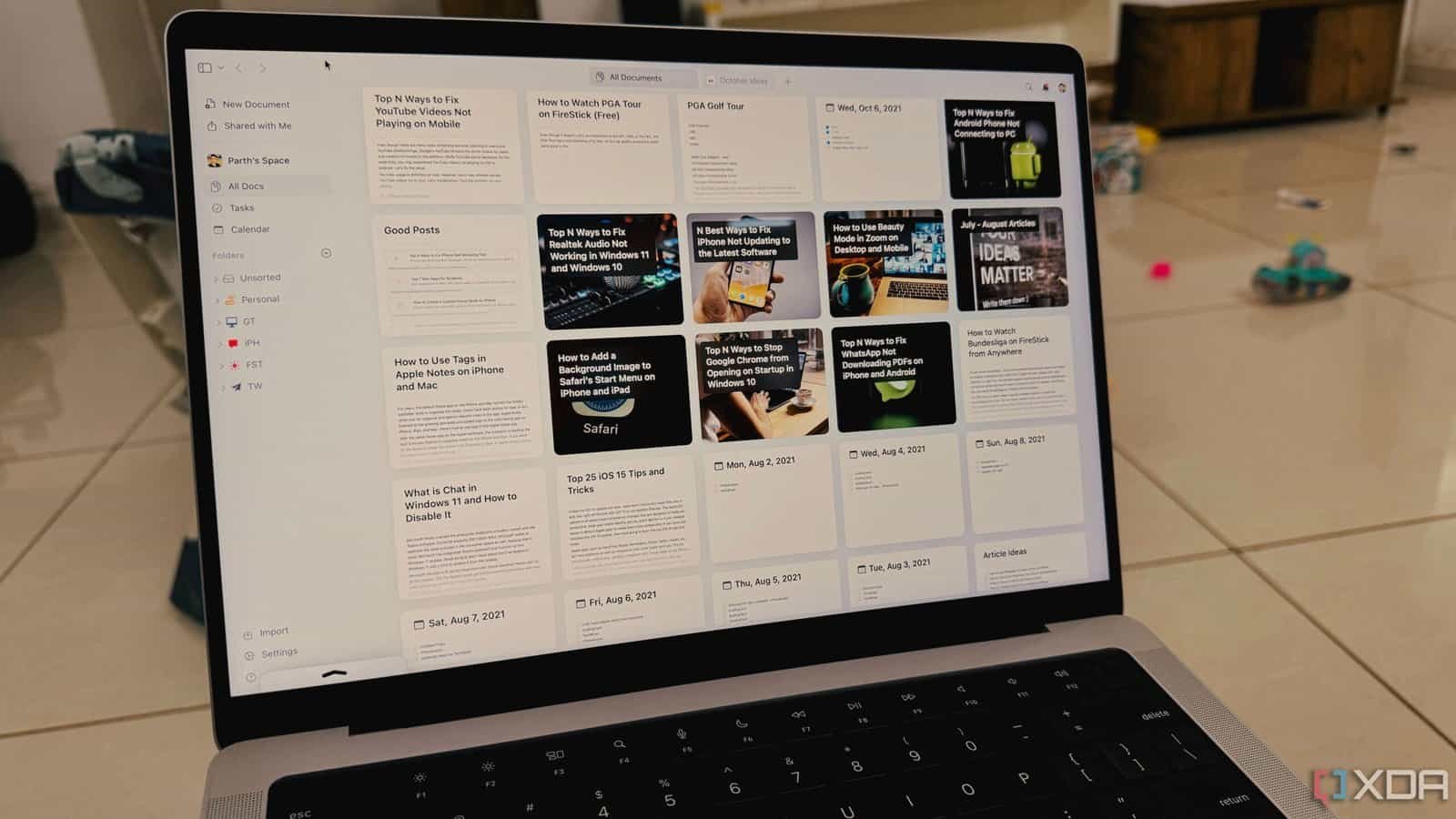
A Beautiful and Intuitive Interface
One of the first things that caught my attention about Craft was its stunning user interface. Unlike many productivity tools that prioritize functionality over aesthetics, Craft offers a visually appealing experience. Every interaction, from opening a new document to rearranging blocks, is smooth and accompanied by satisfying animations. The aesthetic backdrops and customizable design elements make the overall experience feel polished and premium.
I always take the time to add a suitable cover image and a gradient backdrop to set the tone for my work documents. With the Style Gallery, I can apply a beautifully curated set of fonts, colors, and layouts to an entire document with just a single click. It’s refreshing to see a work-related app that doesn’t look dull or uninviting.
Rich Formatting Options
Craft excels in its rich formatting capabilities. It supports a block editor, making it easy to transition from other tools like Notion. However, the real strength lies in the depth of formatting options. For example, I can paste a link from Figma or other supported websites, and instead of a raw URL, Craft transforms it into a beautiful link preview with a title, snippet, and thumbnail.
When I need structure and data organization, Craft’s tables are incredibly useful. I can create robust databases with various column types, including text, numbers, checkboxes, dates, URLs, and even multi-select options. There’s also support for code blocks and a whiteboard feature for quick brainstorming sessions before meetings.
Reminders and Task Management
The reminders feature in Craft goes beyond a basic to-do list. I can insert a reminder directly into any block within a document or even a database. For instance, while drafting a client proposal, I added a reminder right within the relevant block to ensure I double-checked a specific pricing component before a Microsoft Teams call. Craft also has a dedicated tasks menu beside the table of contents, allowing me to track all tasks from a single location.
Email Integration
Another standout feature is the email-to-Craft integration. I have a unique email address provided by Craft, which allows me to forward any important emails directly into my workspace. This means receipts, articles, meeting agendas, and notes from colleagues can all be saved in a specific space within my Craft setup. No more manual copying and pasting from emails into new documents.
AI Integration and Publishing Capabilities
Craft’s AI integration feels like a glimpse into the future of productivity. The AI assistant lives within my documents, allowing me to use an AI model of my choice. Whether I need to rephrase a clunky paragraph, summarize lengthy notes, or translate text, the AI helps streamline my workflow. Additionally, I can publish documents directly to the web, generating a public link instead of exporting them as PDFs. This feature is perfect for sharing project updates, personal portfolios, or mini-blogs without the hassle of external publishing platforms.
A Productivity Powerhouse
Overall, Craft has become an essential part of my daily workflow. It sits on my Windows taskbar, Mac Dock, and iPhone home screen, serving as a unified platform for organizing thoughts, managing projects, and tackling daily tasks. If your current workflow feels limited, I highly recommend exploring what Craft has to offer.
Keep in mind that the free plan is quite limited, offering only 1500 blocks and 1GB of space. Upgrading to the Plus plan at $8 per month unlocks the full potential of Craft. The company often runs a 50% discount during the festive season, so it’s worth keeping an eye out for those deals. I’m also hoping for a native Android app in the future, as the current mobile webview on my Pixel 8 leaves much to be desired.
If you’re interested in exploring other tools, check out our dedicated post on top PKM (Personal Knowledge Management) tools with maximum privacy.



